
FCC tightens TCPA revoke-all texting rule, 30-day clock
What to do about it
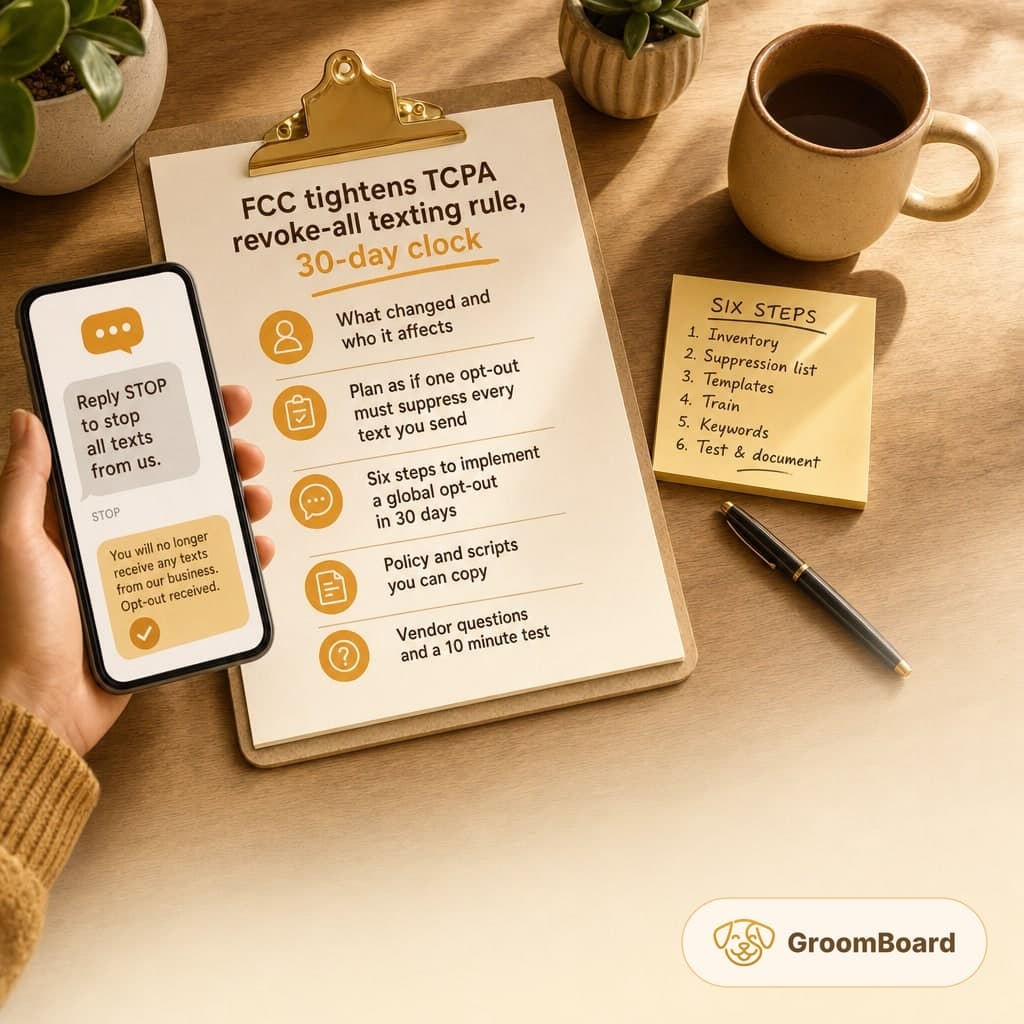
- Assume one STOP should halt all texts from your business, across reminders and marketing, from any sending number.
- Update SMS templates to include clear global opt-out language and test that it works within 24 hours.
- Consolidate to a single suppression list that every staffer and tool checks before texting.
- Train staff to log phone, email, and in-person opt-outs within one business day and to confirm the change by non-SMS means.
- Ask your SMS vendor how a revoke-all is enforced across 10DLC, toll-free, and short codes, and document the answers.
What changed and who it affects
According to a report from Hunton Andrews Kurth LLP, the FCC has adopted clarifying changes to the TCPA revoke-all rule, to be effective 30 days after publication. For grooming businesses that use SMS for reminders or promotions, the practical takeaway is simple: treat a single opt-out from a client as a stop for all texts you send, regardless of which number or campaign they came from.
This touches every shop that texts clients, whether you use a booking system for reminders, a marketing platform for promos, or your personal phone for quick updates.
What you should do now
Plan as if one opt-out must suppress every text you might send to that client. That means a unified suppression list, consistent opt-out language, and staff who know how to record manual requests. Build it so it works across appointment reminders, two-way texting, and any marketing or reactivation campaigns you run.
If you rely on multiple tools to send texts, act now to consolidate opt-outs into one source of truth. If you text from a personal number, commit to checking the suppression list before hitting send, or route all texting through a single platform that checks it automatically.
Six steps to implement a global opt-out in 30 days
- Inventory your senders and messages: List every phone number and tool that can send texts. Include 10DLC numbers, toll-free, short codes if any, personal phones, and built-in messaging inside booking or marketing tools. Categorize messages as reminders, two-way updates, or promotional.
- Create one suppression list: Maintain a single do-not-text list by phone number that sits ahead of all texting. Keep it in your CRM or client record system and make sure every tool checks it before sending. Grant view and edit access to all staff who contact clients.
- Update templates with clear language: Add a plain opt-out line to all SMS templates, for example: Reply STOP to stop all texts from us. Place it at the end of reminders and promos. Keep it short so it fits standard SMS lengths.
- Train for manual revokes: Clients will opt out by phone, email, or at the front desk. Write a one page SOP that says who logs it, where it is logged, and within what time. Standard is within one business day. Require a quick confirmation by non SMS, such as email or a note on their next receipt.
- Configure keyword handling: Your SMS tool should recognize common opt-out words. Enable STOP and, if available, STOP ALL, END, QUIT, and UNSUBSCRIBE. Map them all to the same global suppression action. Turn on automatic confirmation that the opt-out was received.
- Test and document: Run test messages from each sender to a test number. Send STOP once and verify that no texts arrive from any of your numbers or campaigns. Screenshot results and file the test log. Retest monthly.
Policy and scripts you can copy
Client communications policy, opt-out section: We honor a single opt-out request from a client by stopping all text messages from our business, including reminders, two-way updates, and promotions, from all of our sending numbers. Staff must log opt-outs in the client record within one business day and check the do-not-text list before sending any message.
SMS footer for reminders and promos: Reply STOP to stop all texts. Msg and data rates may apply.
Staff handling note: If a client says do not text me, apologize for the inconvenience, confirm they will no longer receive any texts from the business, and record the opt-out immediately. If they later ask to resume texting, record consent in the client record and send a confirmation by non SMS method.
Vendor questions and a 10 minute test
Ask your SMS vendor the following and save the answers in your compliance file:
- Does a STOP on any campaign or number suppress all future texts from our account to that number
- How quickly is the suppression applied and propagated across numbers and campaigns
- Can we manually add or remove numbers from the suppression list, and can we export the list
- Are transactional reminders and marketing campaigns both checked against the same suppression list
- What opt-out keywords are supported by default, and can we add more
- Is there a log that shows when an opt-out was received and by which number
Run this 10 minute test today: send a reminder and a promo to a test phone from two different sending numbers. Reply STOP to one. Confirm that both streams stop. If either continues, escalate to your vendor and suspend marketing texts until fixed.
Edge cases you must close
- Personal phones: If staff text clients from personal devices, require they check the suppression list first. Better, move all texting into a single business tool that applies the list automatically.
- Multiple tools: If you use separate systems for reminders and marketing, set up a daily sync of the suppression list or stop using one of them. Duplicated senders create risk.
- New client intake: Add an SMS consent checkbox and note that clients can stop all texts at any time. Store the timestamp and method of consent in the client record.
- Reconsent: If a client opts back in, record the request and the method. Send a one time confirmation that texting has resumed and log it.
If you manage reminders in GroomBoard, add the opt-out line to your SMS templates and make sure staff understand how to mark a client record as do-not-text. If you also use a separate marketing tool, ensure it respects the same suppression list.
The reporting indicates a 30 day window after publication before the change takes effect. Treat that as your countdown. Document your process, test weekly until you pass, and keep screenshots and SOPs on file. If you are unsure about your specific setup, pause promotional texting until you can verify that a single opt-out truly stops everything.